
Online Registration - simple as 1, 2, 3
Sign up to register for lesson programs, book drop-in lessons, events, camps and more! After registering, download the EC PRO US App to manage bookings on-the-go!
Get the EC Pro App! Stay connected to your riders and staff everywhere and all the time with no additional effort.

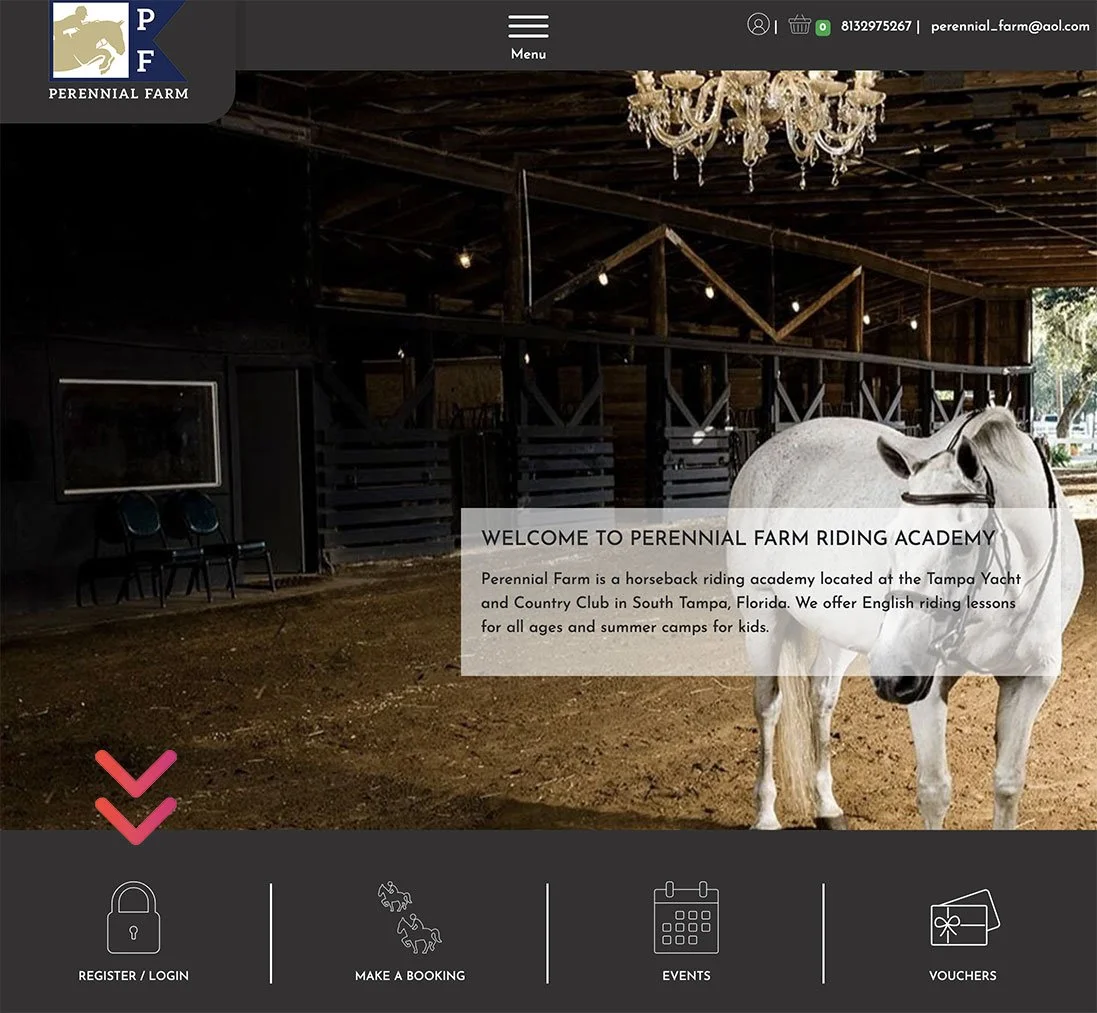
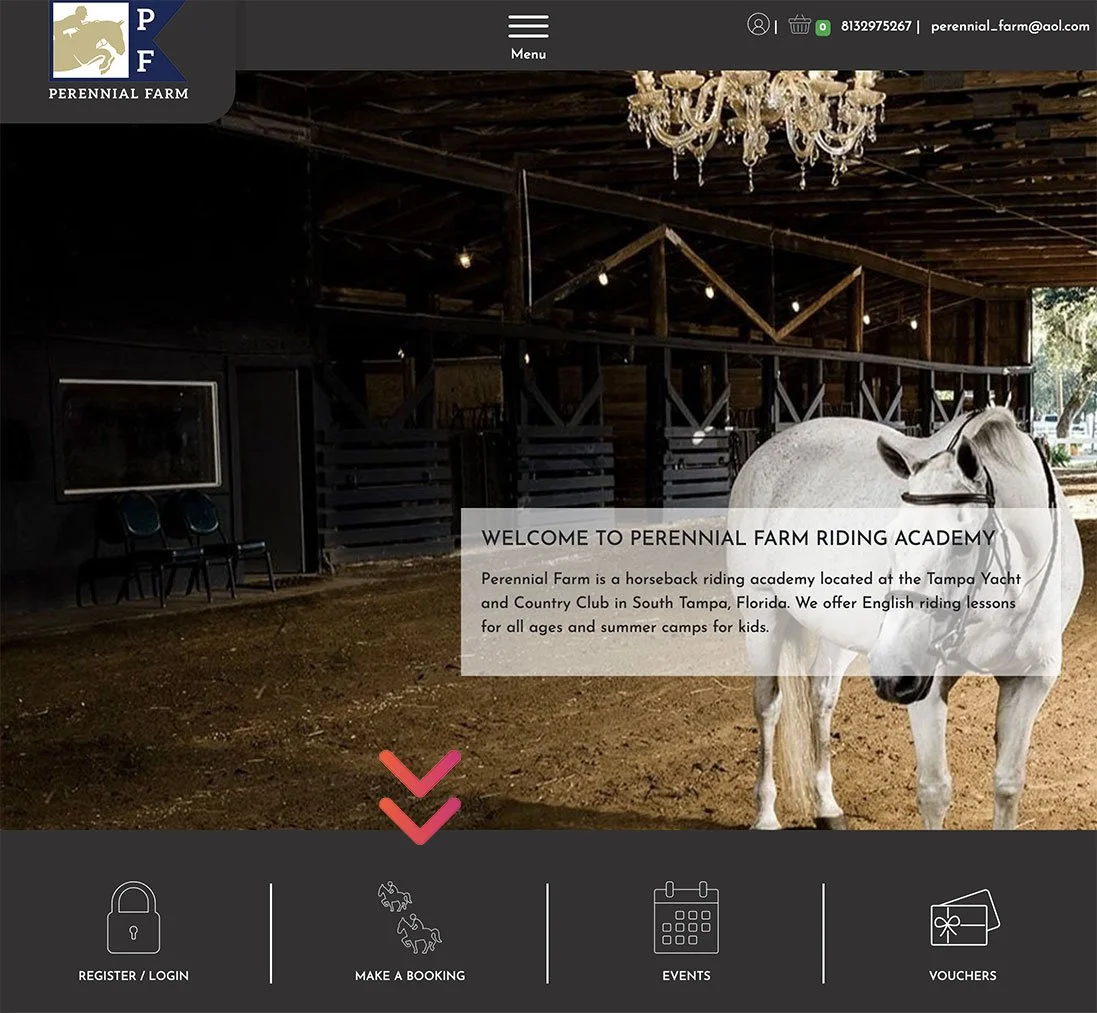
Step 1 - Create Account
Head to https://perennial-farms.ecpro.us/ to register for an online account
-
Add details, address, and choose your password.
-
After creating an account, please check email inbox to confirm account. (If you do not see an email, please check spam/junk mail folder for that verification email)
-
TOP MENU —> Riders —> Add a Rider
Step 2 - Book 1st Drop-in Lesson
The first lesson is a private riding assessment. Please only purchase only lesson during initial registration. You will be able to purchase a membership once rider receives official assessment.
-
NOTE: your rider is ungraded for the first lesson. So ignore the red banner that says "you have ungraded riders...". You may STILL proceed with booking your first PRIVATE lesson…making sure you complete payment after adding drop-in lesson to your cart.
-
After payment, you will receive confirmation email with lesson reservation details.
-
After the assessment, you will receive an email that the rider has been graded. Following grade, you will be sent a special membership link to proceed in setting up monthly recurring lessons. This will enable you to book lessons at the correct level.
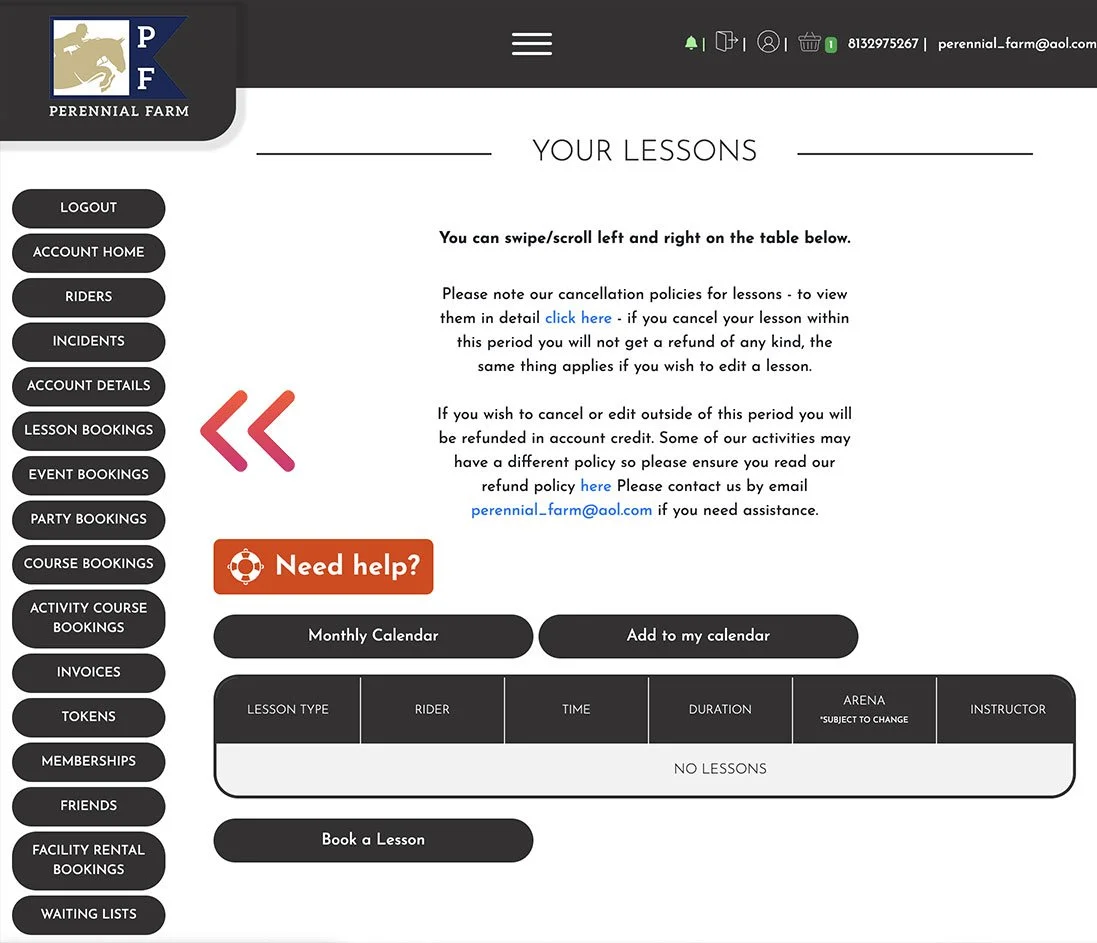
Step 3 - Book Lessons with Monthly Membership
Once graded, you can book more lessons at the riders appropriate level.
-
We recommend riders take a min of 1-2x lessons a week to continue to level up.
HOW YOUR MONTHLY MEMBERSHIP WORKS
Setting Up Your Membership
After you have registered and booked 1st drop-in private lesson for initial assessment, you will be emailed a link to setup recurring membership.
Log into EcPro and set up your monthly lesson membership using the link emailed to you. You may also download the app to schedule from your phone.
The day you complete this setup becomes your automatic monthly renewal date.
For example: If you set your membership up on December 3rd, it will renew on the 3rd of every month.
Understanding Your Lesson Tokens
• Each membership includes 4 lesson tokens
• Tokens are valid for 30 days
• If your rider takes more than one lesson per week, simply purchase multiple memberships so you have enough tokensScheduling Your Lessons
Your lesson tokens do NOT book your lessons for you.
Tokens do not automatically assign themselves to time slots.
You must log into EcPro and schedule each lesson yourself.
CANCELLATION POLICY
EcPro makes cancellations and rescheduling much easier. Please remember:
We require 24 hours’ notice to cancel a lesson and receive your token back
If you cancel within 24 hours, the token will not be refunded
Any returned token must be used within its original validity period
Very important:
All cancellations and schedule changes must be submitted through EcPro on the website or app.
Messages, texts, or verbal cancellations cannot be accepted under any circumstances.
These methods do not sync with the scheduling system, and we cannot adjust or refund tokens for cancellations made outside of EcPro.
A FRIENDLY NOTE AS WE MOVE FORWARD
We know that learning a new system can take a little time, and we truly appreciate your patience as we make this transition together. EcPro will ultimately give families far more flexibility, clarity, and independence in planning their riding schedules, and we’re excited for the long-term benefits it will bring to our community. As always, we’re here to help—so please don’t hesitate to reach out with any questions as you get set up.